Member Management
Managing Expired Memberships: Recover, Renew & Clean Up
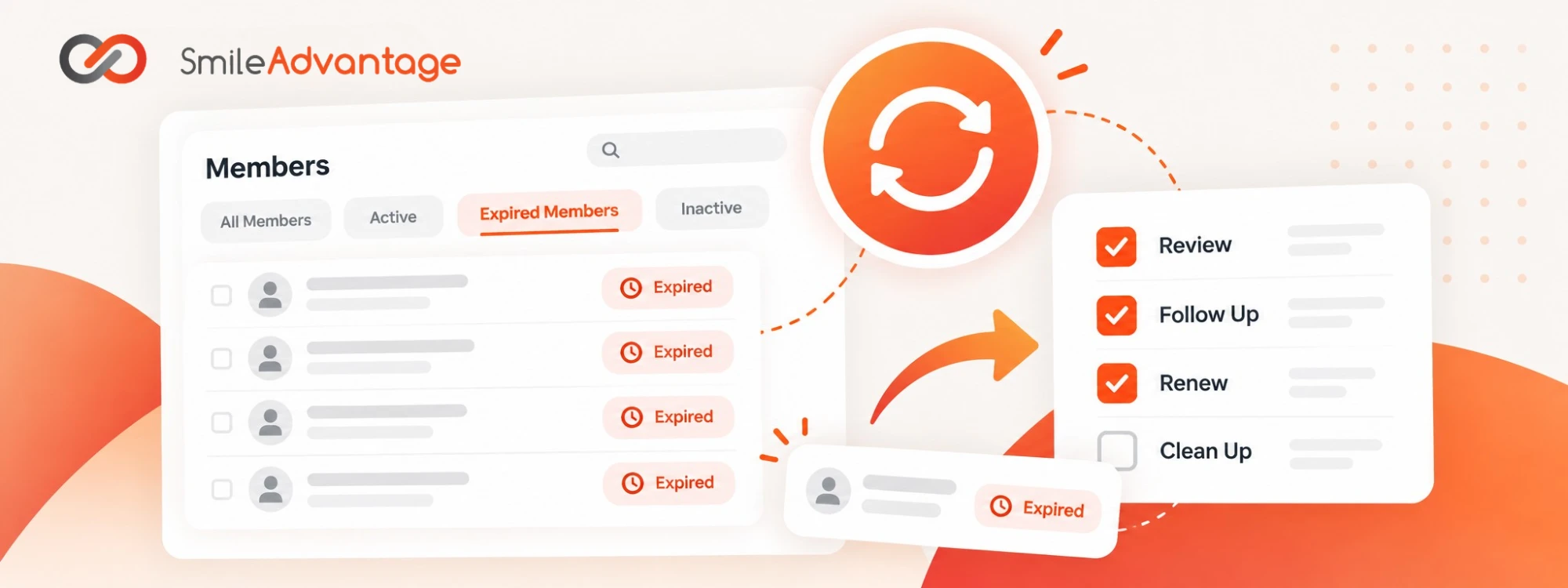
An expired membership does not always mean a lost patient. Reviewing your expired memberships regularly helps you recover missed renewals, retain valuable patients, increase recurring revenue, and keep your membership dashboard accurate.
Step 1: Review your expired members
Section titled “Step 1: Review your expired members”- Open the Members section. From your Smile Advantage dashboard, navigate to Members.
- Select the Expired Members tab. This lists the memberships that have expired.
- Review each one. Work out why the membership has not renewed.
Make this part of your regular routine, ideally reviewing expired members weekly.
Step 2: Identify what is preventing renewal
Section titled “Step 2: Identify what is preventing renewal”Before assuming a patient no longer wants their membership, check a few things:
- Is their email address current? The patient may not be receiving renewal reminders because their email address is outdated or no longer active.
- Has anyone reached out personally? A friendly phone call can make a big difference. Do not rely solely on automated emails.
- Did their payment method expire or fail? They may simply need to update their card information.
- Was the membership set up as a one-time purchase? One-time memberships do not renew automatically and may need extra follow-up.
- Are they still an active patient? Check your practice management software to see whether they are continuing care with your office.
Often the reason is simple and can be resolved with a quick conversation.
Step 3: Reconnect and recover the membership
Section titled “Step 3: Reconnect and recover the membership”If the patient is still active in your practice, reach out and remind them of the value of their membership. A simple message might sound like this:
“Hi [Patient Name], we noticed your dental membership has expired, and we wanted to make sure you do not miss out on your benefits. We would love to help you get renewed so you can continue enjoying your preventive care and membership savings.”
Step 4: Renew their membership
Section titled “Step 4: Renew their membership”Once you have connected with the patient and confirmed they want to continue, renew the membership from the dashboard.
- Open the member profile. Find the patient in your Members list.
- Select Renew Membership. This starts the renewal.
- Update the payment method if needed. Add or replace the card on file.
- Review the renewal options and charges. Confirm what applies before you continue.
- Complete the renewal. Confirm the membership shows as active.
For a complete walkthrough, see Renewing a Member from the Dashboard and Renewing a Membership.
Step 5: Clean up inactive members
Section titled “Step 5: Clean up inactive members”Not every expired membership needs to be recovered. If a patient is no longer active with your practice and does not intend to renew, clean up their record.
- Confirm the patient is leaving the program. Make sure they do not plan to continue.
- Cancel the membership if appropriate. Make sure no future membership payments are scheduled.
- Archive the member. Do this if they are no longer an active patient of your practice.
This keeps your dashboard organized, your membership data accurate, and your team focused on patients who are actively participating in your program.
For step-by-step instructions, see Canceling a Member’s Plan and the Archive Members section of First Steps to Success.
Make membership follow-up a habit
Section titled “Make membership follow-up a habit”Set aside a few minutes each week to:
- Review expired memberships.
- Follow up with patients who have not renewed.
- Encourage auto-renewal when appropriate.
- Update outdated contact and payment information.
- Cancel and archive members who are no longer active.
Every recovered membership keeps a patient relationship intact and adds to your predictable recurring revenue.
Download the weekly checklist
Section titled “Download the weekly checklist”Print this one-page checklist for your team to work through each week. It covers every step above and has space to record your weekly results.
Download the Weekly Renewal Checklist (PDF)