Member Management
Canceling a Member's Plan
You can cancel a membership in your dashboard to discontinue it.
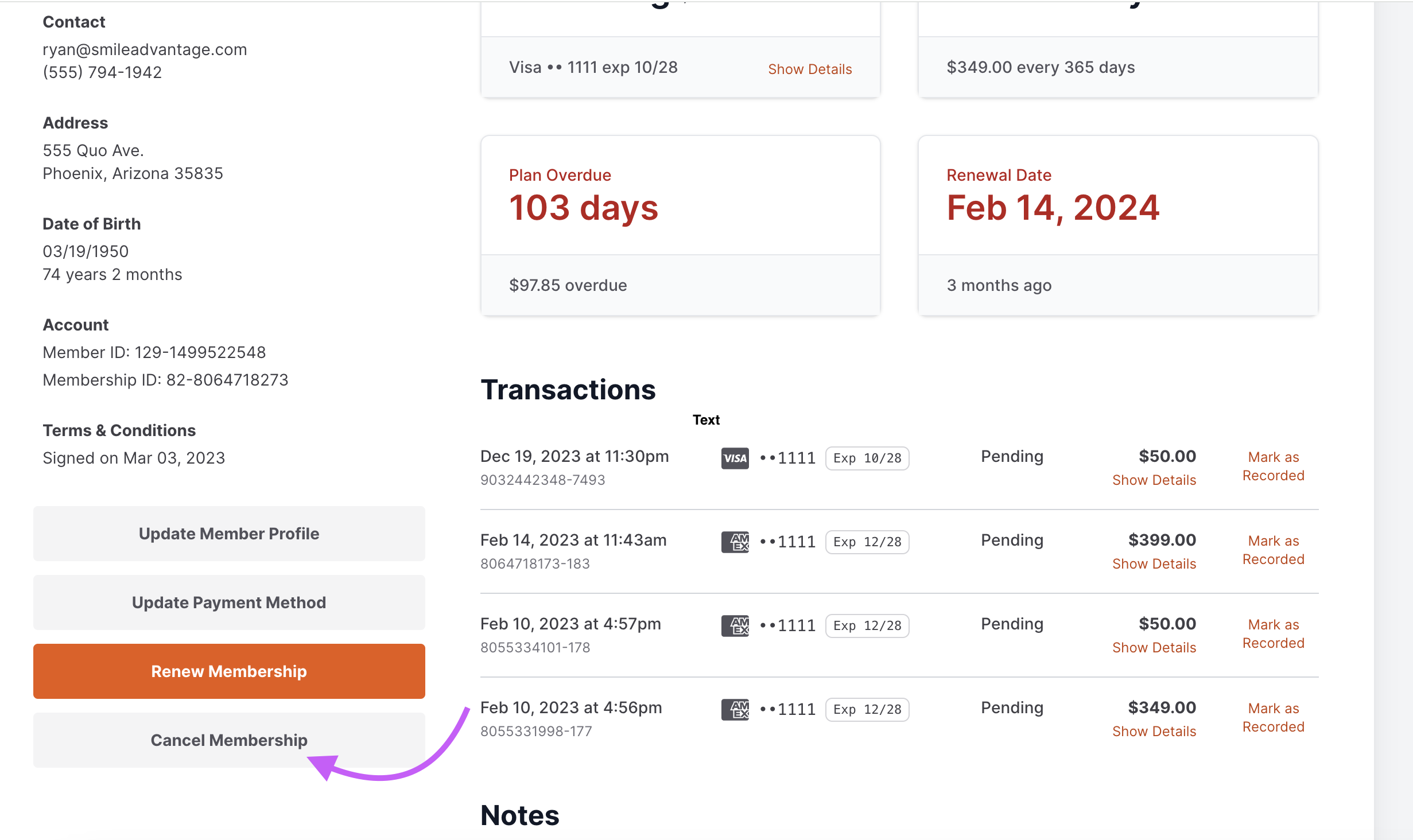
How to cancel a membership
Section titled “How to cancel a membership”- Search for the member using the search box in the Members tab at the top.
- Select the member’s profile.
- Select Cancel Membership at the bottom left corner of the page.
- Select Cancel Active Membership.
- Click Cancel Active Membership in the pop-up dialog box.
The membership is canceled immediately, and the member’s status changes to inactive. You can reactivate the member if needed from the Inactive column in the Members tab, or re-enter them using the Add New Membership tab.